Made for Apple platform developers
See it. Shape it.
Build on it.
From your first SwiftUI button to your next spatial experience. Adjust the preview, understand the code, and find a starting point for what comes next.
iPhone · iPad · Mac · Apple Vision Pro
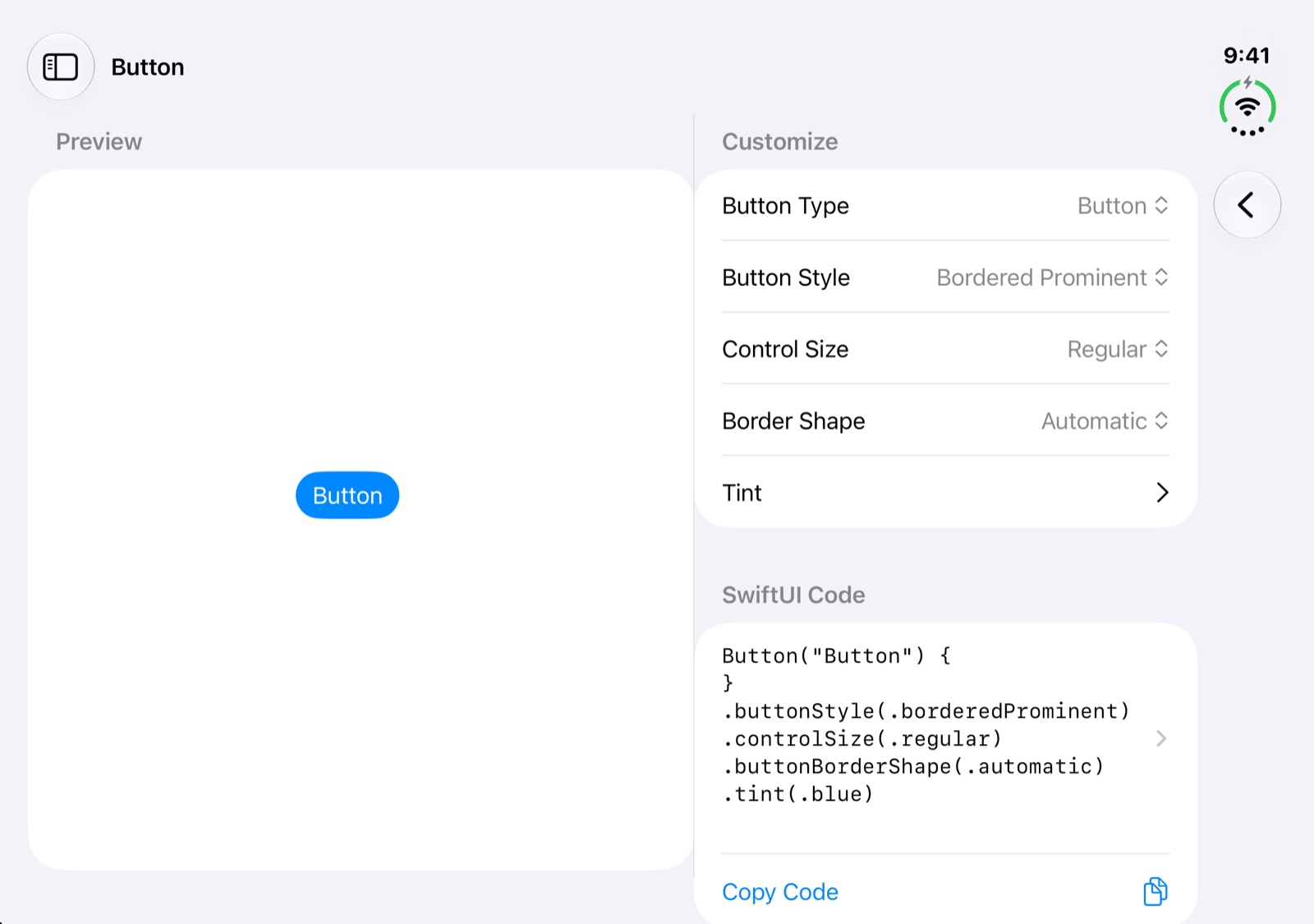

SwiftUI / SwiftData
RealityKit / MapKit
One toolkit. Room to explore.
See the result. Understand the code.
Explore content available for each platform. A quick reference on a small screen, room to learn on a bigger one, and interaction in a new dimension.
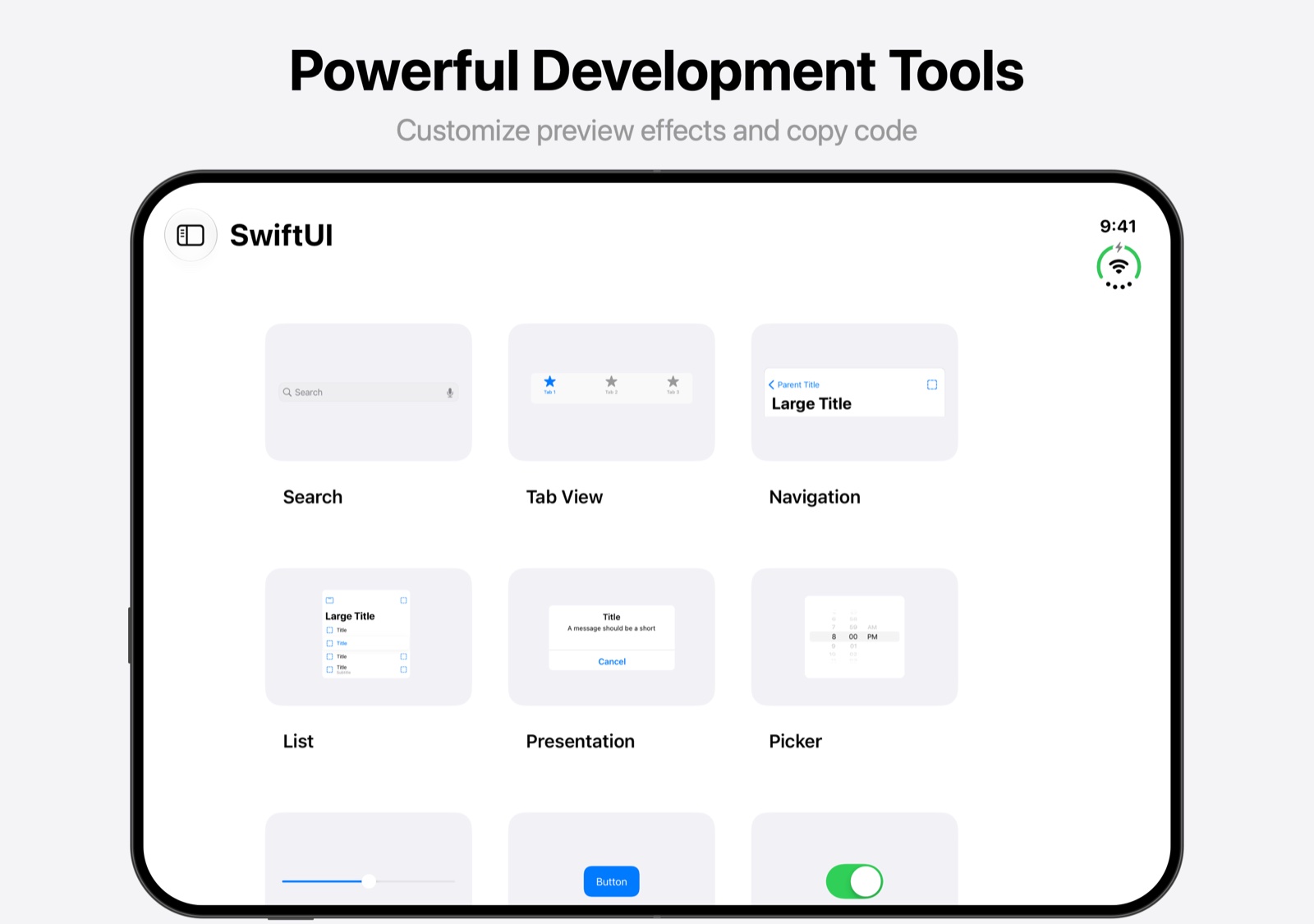
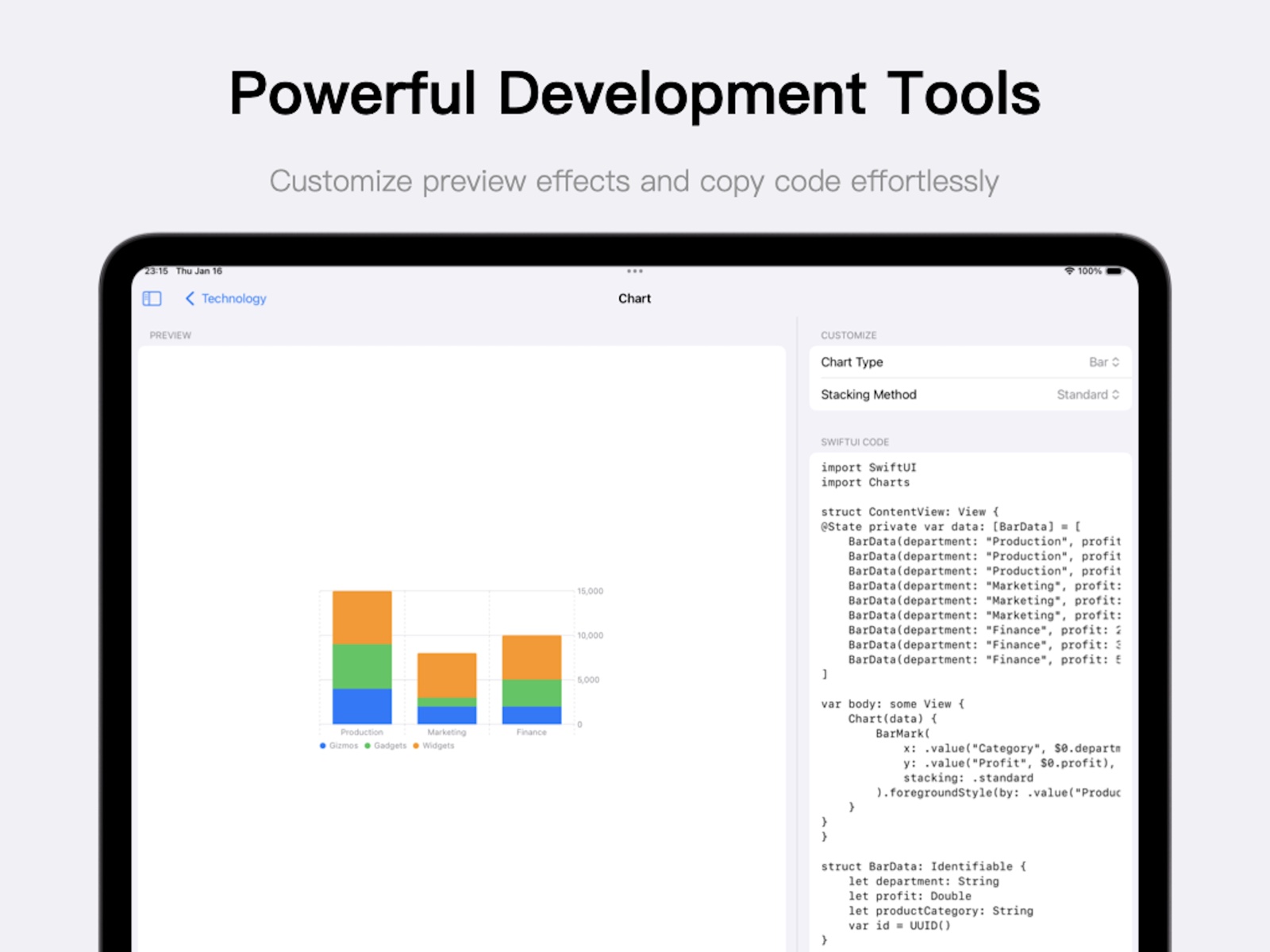
Start with the basics. Go further.
Turn a question
into an example.
Don't just imagine what a setting does. Explore the preview, adjust the parameters, and take sample code back to your own project.
- 01
SwiftUI components
Buttons, lists, navigation, search, pickers, text, and images. Start with the controls you know.
- 02
UI fundamentals
Layouts, colors, shapes, fonts, materials, animation, and gestures. See what each change brings.
- 03
Platform capabilities
Explore practical demos for MapKit, charts, PencilKit, Quick Look, and media.
- 04
Spatial computing
Discover Model3D, RealityView, spatial gestures, particles, and portals in a new dimension.
From an example to a project
Three starting points. More possibilities.
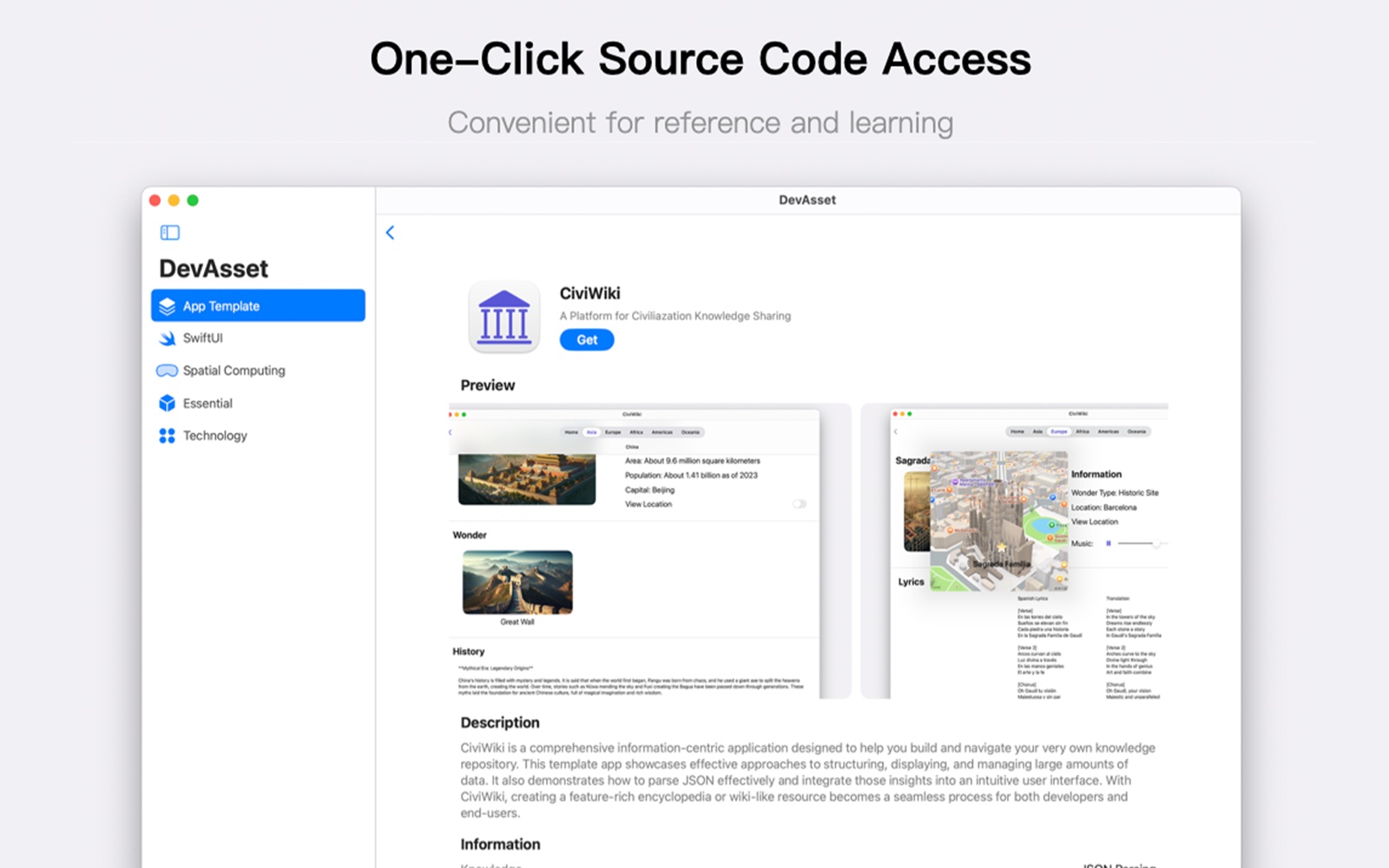
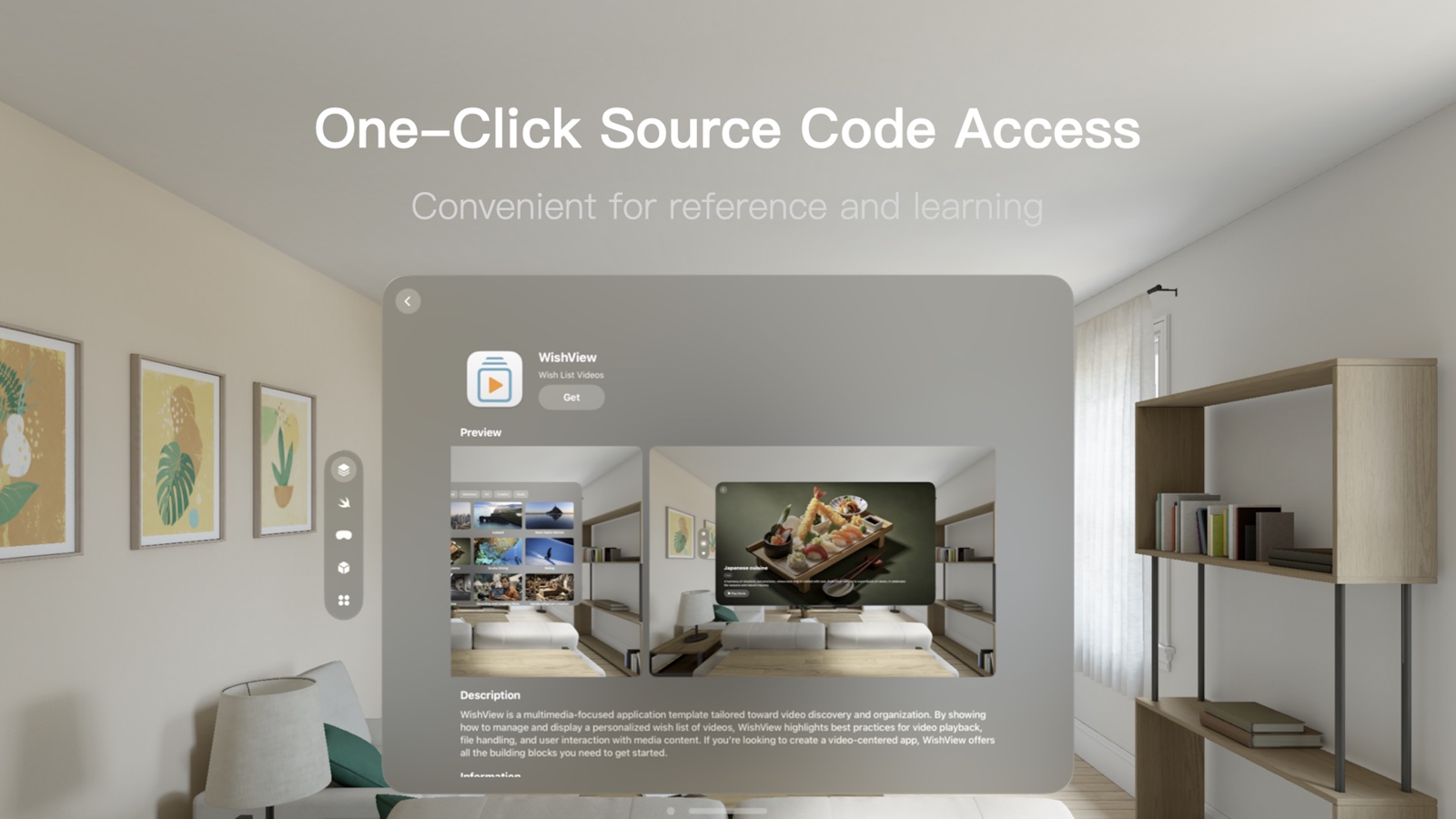
Take a whole-project view of how data, interfaces, and features fit together.

CiviWiki
Knowledge content and JSON data organization

CashFlow
Finance management with SwiftData

WishView
Browsing and organizing video content
App templates can only be downloaded in the Mac version of DevAsset. WishView requires an in-app purchase.
DevAsset
Your next project
starts here.
Give your ideas a starting point to explore.